6 Event Photo Sharing Trends for 2026
Guests now expect their photos while the event is still going. Here are the six shifts shaping event photo sharing in 2026, from instant face matching to stricter rules for biometric data.
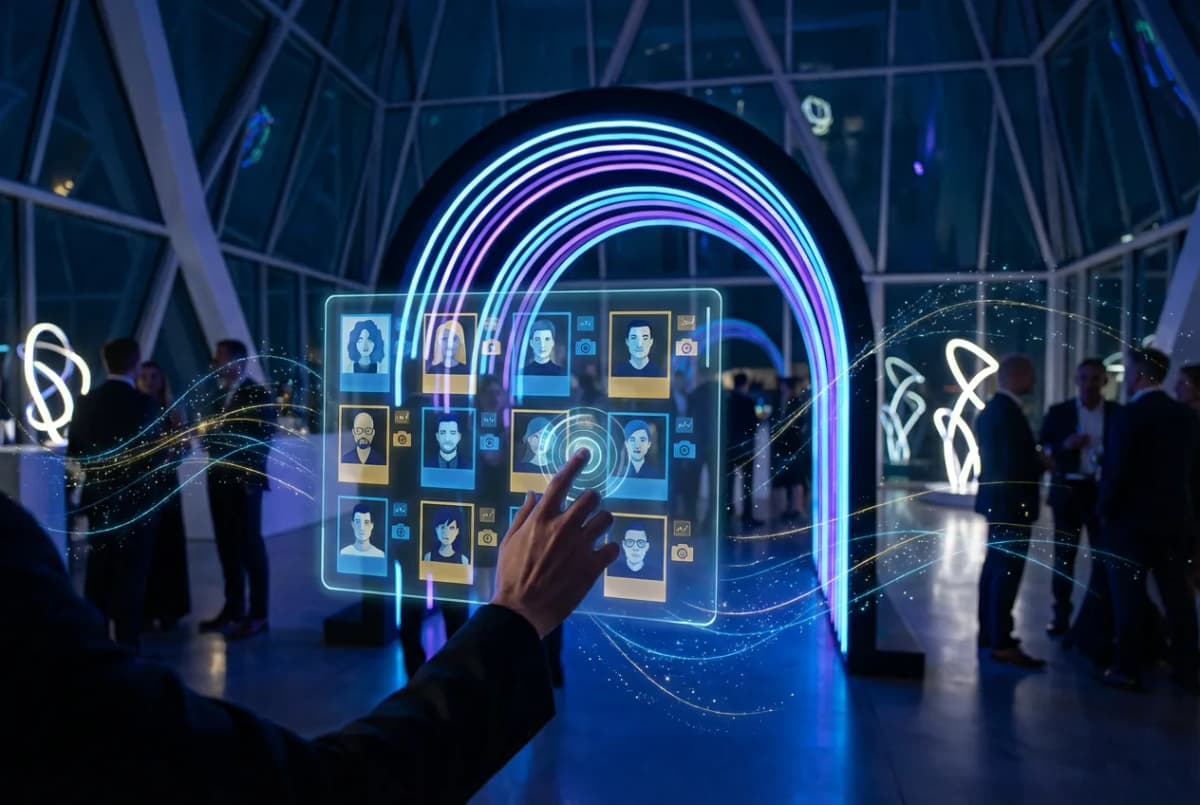
A couple of years ago, the question was whether to use face recognition at an event at all. In 2026 that question is mostly settled. Guests have used a selfie to find their photos at a wedding or a conference, and they now expect it. The questions have moved on: how fast the photos arrive, how much guests have to do to get them, and how carefully their face data is handled.
These are the six shifts we see shaping event photo sharing this year, whether you’re a photographer, a planner or the person whose name is on the invitation.
1. Photos during the event, not the week after
The old rhythm was: shoot, go home, edit, deliver a gallery a week later. By then the moment has passed and few guests open the link.
The new rhythm is delivery while the event is still happening. The photographer uploads during the event, each new photo is matched against the guests who registered a selfie, and matches land in their personal galleries within seconds. A guest who registered at the start of the evening keeps receiving photos as the night goes on, and can share them while everyone is still in the room.
Why timing matters
A photo shared during the event reaches people who are there and care about it right now. The same photo shared a week later competes with everything else in their feed.
With PhotoMea, a guest’s matching photos are found about two seconds after they take their selfie, and a notification is on its way. That speed is what makes delivery during the event practical.
2. No sign-up between a guest and their photos
Every extra step loses guests: downloading an app, creating an account, typing an email, confirming a phone number. The trend is to remove all of them from the first visit.
The pattern that works:
- Scan a QR code on the table, the screen or the invitation.
- Open the gallery in the phone’s browser.
- Take one selfie to find your photos.
- Save or share them straight away.
Apps still have a place. They’re the best way to get a notification when new photos of you arrive, so the smart approach is to offer the app without requiring it. Language matters too: at international events, an interface the guest can read in their own language is the difference between using it and giving up. PhotoMea lets guests enter anonymously, without an email or phone number, and works in more than 20 languages.
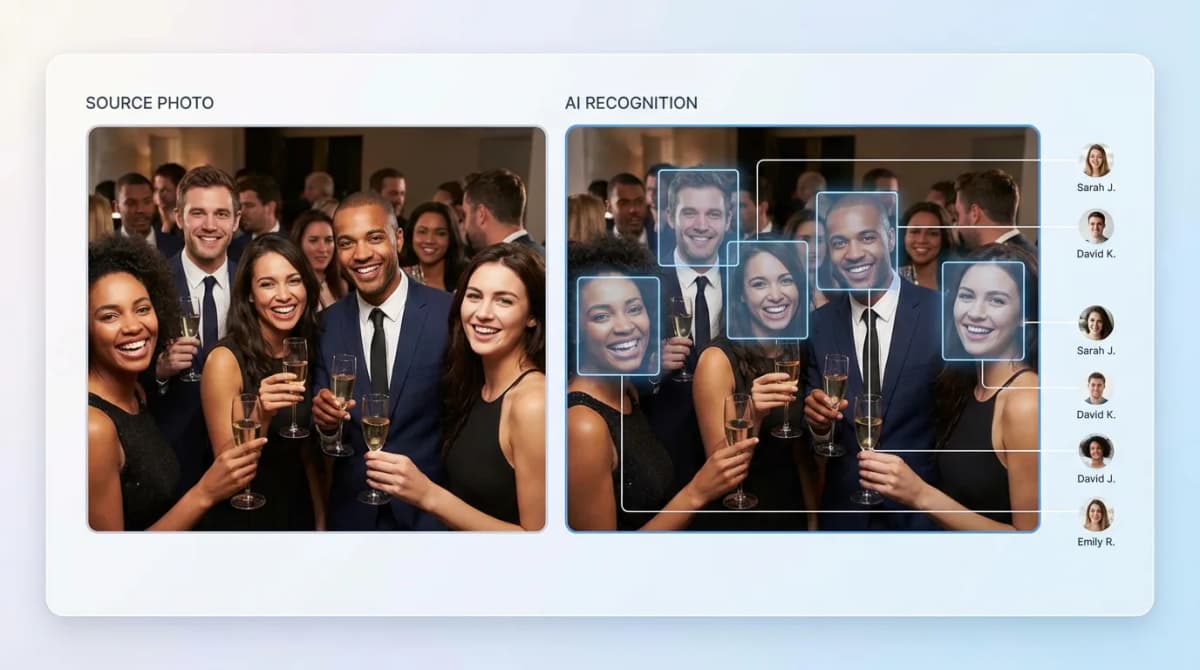
3. Liveness checks become standard
Selfie search has an obvious weakness: what stops someone from holding up a printed photo, or a picture of another guest on their screen, and downloading that person’s photos?
The answer is a liveness check, which confirms that the selfie comes from a real person in front of the camera rather than a photo or a screen. In 2026 this is shifting from a nice extra to a basic requirement, especially for private events, schools and anything involving children. If a provider can’t explain how it stops spoofing, treat that as a warning sign. PhotoMea runs a liveness check before a selfie is used for matching.
4. Live photo walls
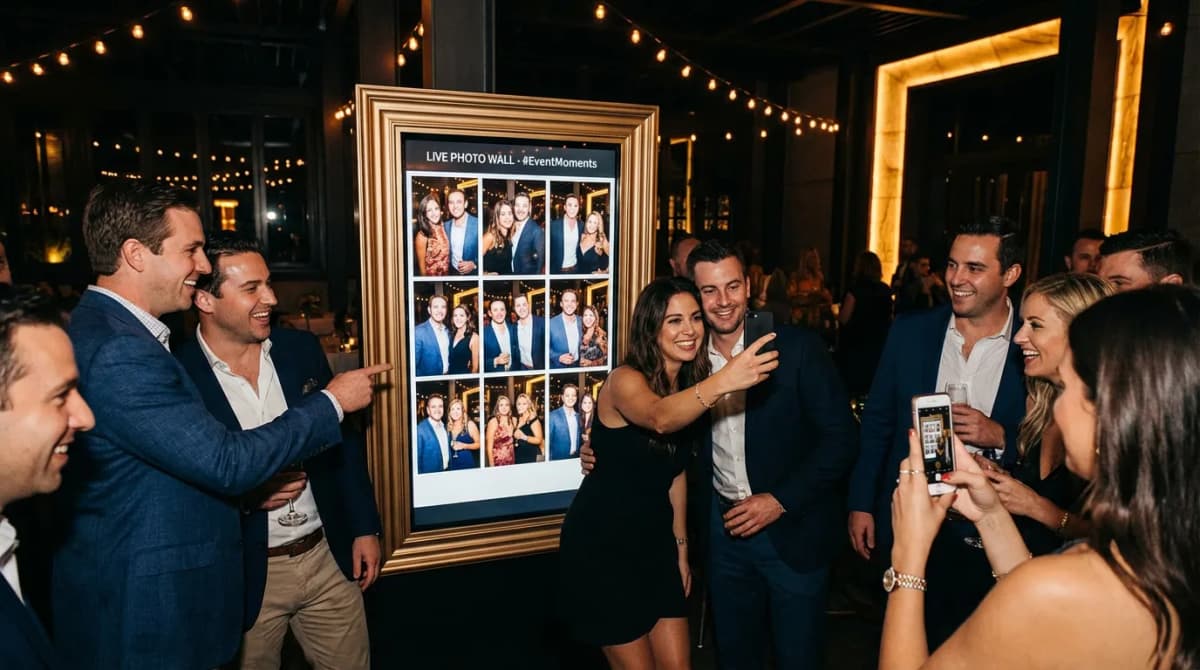
Photo walls put the event’s photos on a large screen as they’re taken: at the entrance, by the bar, next to the dance floor. They turn photography from something that happens in the background into part of the event.
What makes them work in practice:
- Placement where people gather , not in a corner.
- A QR code on or next to the screen , so guests who see themselves can get the photo on their phone immediately.
- Moderation , so the host decides what appears on a public screen.
5. Insights for the host, not just photos for guests
Face recognition used to be only about guests finding themselves. The same technology now gives hosts and organizers a view they never had before.
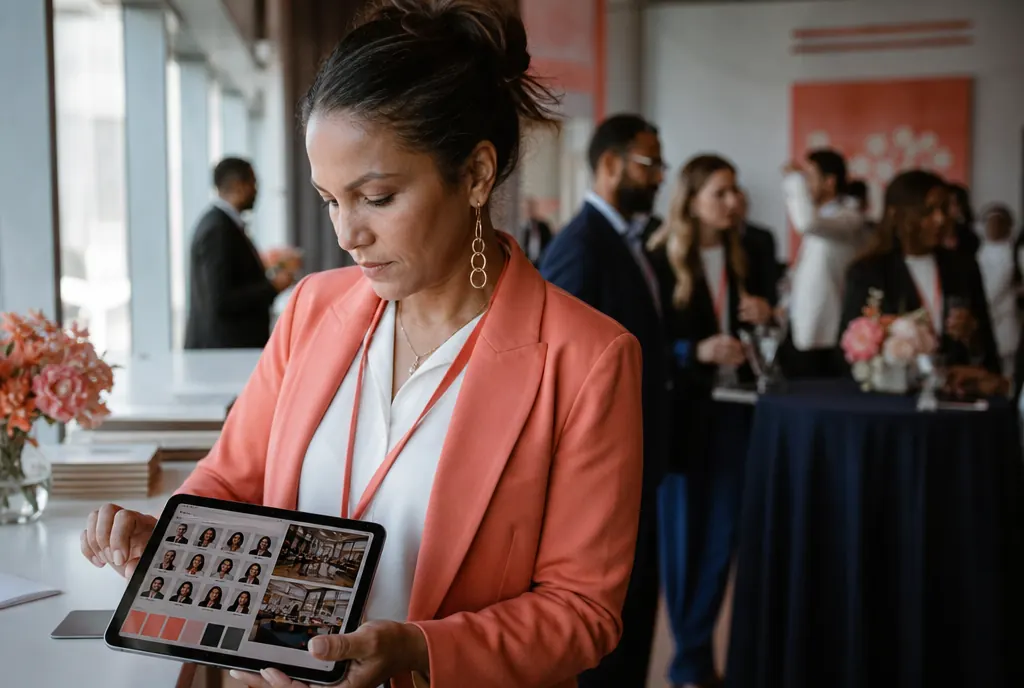
- Browsing by person. Face clustering groups every face at the event, so a couple can find all photos of a grandparent who never registered, or a conference team can find every photo of a speaker.
- Anonymous, aggregated analytics. Organizers can see the shape of their audience, such as the age range and gender balance, without any of it being tied to an individual.
For corporate events this helps answer the questions that come after every event: who came, which sessions drew a crowd and what can be reused in marketing. Both features are part of PhotoMea, and you can see how they compare across providers in our face recognition app comparison .
6. Stricter rules for biometric data
A selfie used for matching is biometric data, and the rules around it keep tightening.
- EU AI Act. Since 2 February 2025, the AI Act bans several uses of AI outright, including building face databases by scraping images from the internet or CCTV, and inferring sensitive traits such as religion or sexual orientation from someone’s face. Consent-based photo matching at an event isn’t one of the banned practices, but the bar for explaining what a system does has gone up.
- GDPR. Biometric data used to identify someone is a special category under Article 9, which in practice means explicit consent for event photo matching. Guests can ask for their data to be erased, and providers must respond without undue delay, and at the latest within one month.
- KVKK. Turkey’s data protection law was amended in 2024 (Law No. 7499, in force since 1 June 2024). The amendment changed the conditions for processing special category data, which includes biometric data, and introduced new rules for transferring personal data abroad.
Questions to ask any photo sharing provider
- How do guests give consent before their face is processed?
- Is there a liveness check against printed or on-screen photos?
- How does a guest delete their face data, and how fast does it happen?
- How long are selfies, face data and photos kept?
- Where is the data processed and stored?
- Are organizer analytics anonymous and aggregated?
Our guide to data privacy in event photography covers each of these in more detail. It isn’t legal advice: for a specific event, check with a lawyer who knows the jurisdiction.
What this means for your next event
Put together, the trends point the same way: less waiting, less friction and more care with face data. Before your next event:
- Plan delivery during the event. Agree with your photographer when they’ll upload, and put QR codes where guests will see them early.
- Remove sign-up from the first visit. Let guests see their photos first and offer the app as an extra.
- Ask about liveness and deletion before you sign with any provider.
- Decide on a photo wall early, so the screen and its placement are in the venue plan.
- Tell guests how their face data is used , in plain language, before they take a selfie.
See it in action
PhotoMea brings these together: delivery about two seconds after the selfie, anonymous guest access in 20+ languages, liveness checks, face clustering and anonymous analytics for hosts. See how it works or check pricing .
Planning the guest journey? Read our QR code placement guide and our comparison of face recognition photo sharing apps .
PhotoMea Team
Content Team
The PhotoMea team is dedicated to helping event organizers and photographers deliver memorable experiences through innovative photo sharing solutions.
Related Articles
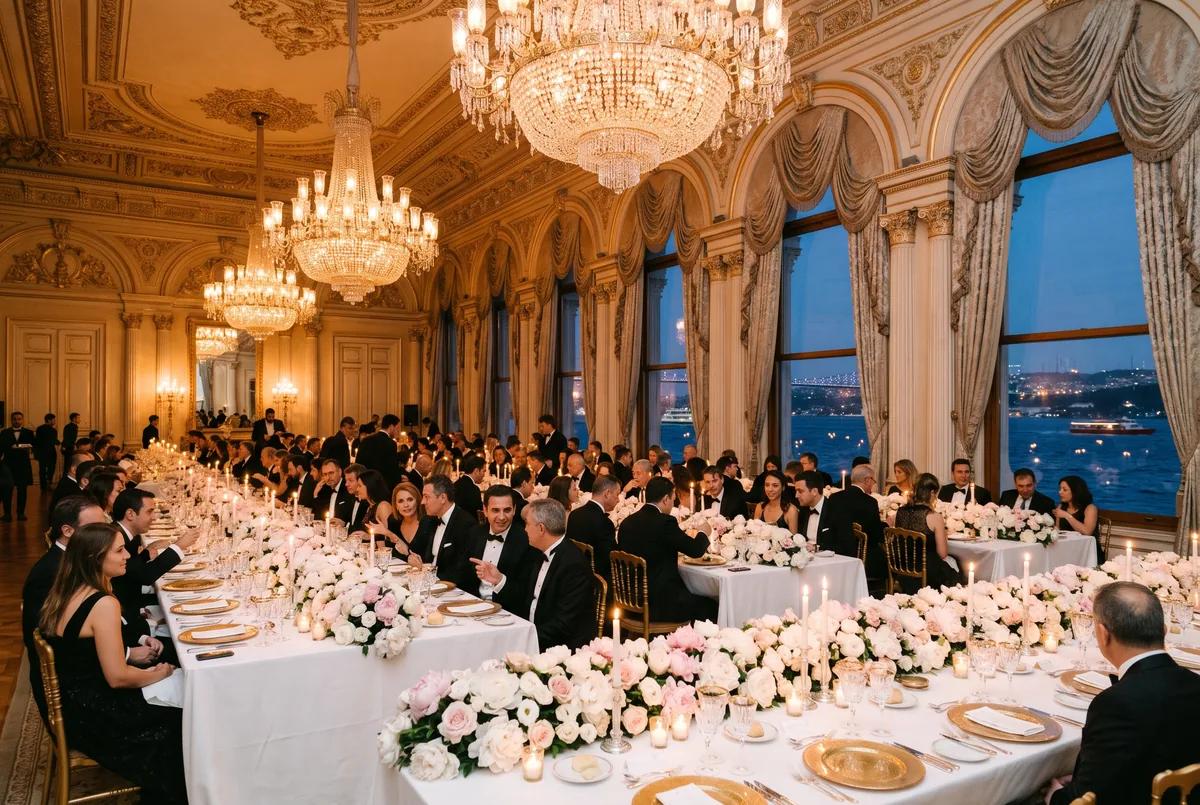
If Nobody Remembers It, Why Host It? 2027 Corporate Event Trends
Premium experiential events, content-first hybrid formats, personalised guest journeys, measurable ROI, branded photos on LinkedIn and explicit-consent privacy. Here is what 2027 holds for launches, galas, conferences and company events.
Read More
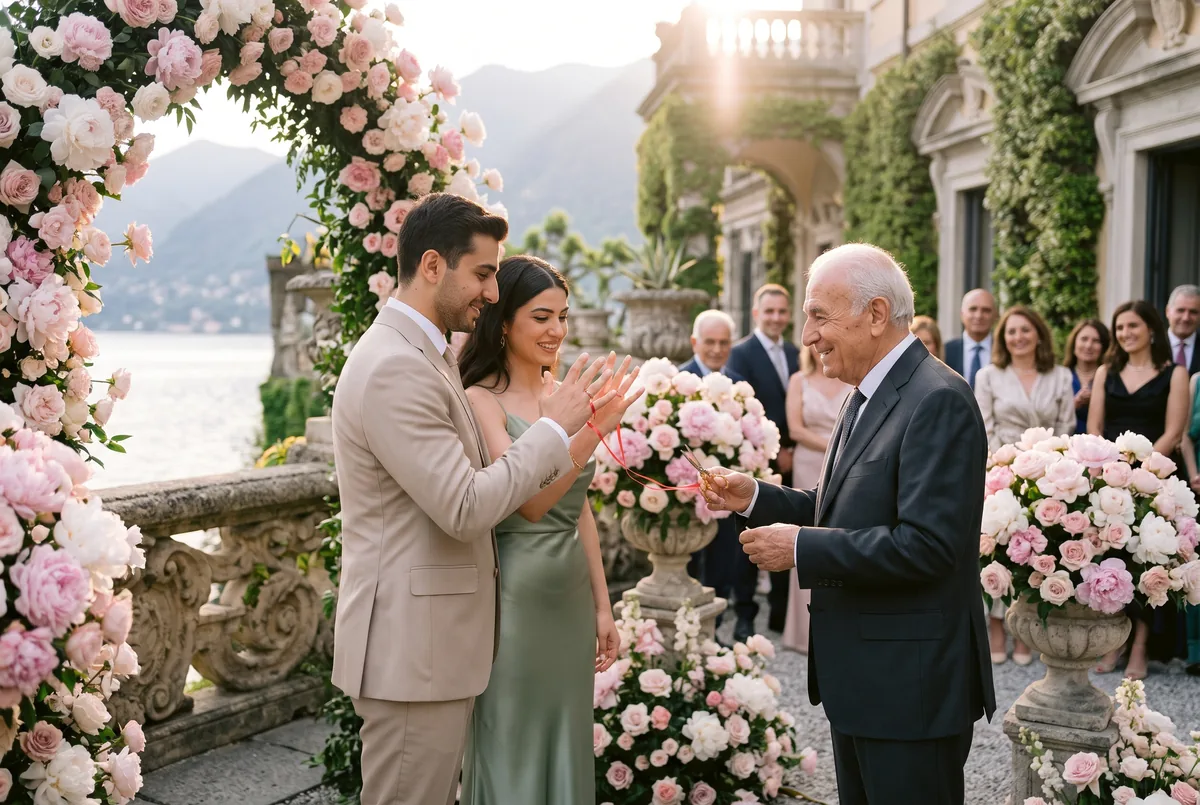
2027 Engagement Trends: Intimate Ceremonies, New Colors and Digital Invitations
Small, intimate engagement parties, pastel and earthy tones, sage green engagement dresses, personalized ring trays, Polaroid guestbooks and photos shared instantly with PhotoMea. The 2027 engagement trends and Turkish engagement traditions.
Read More
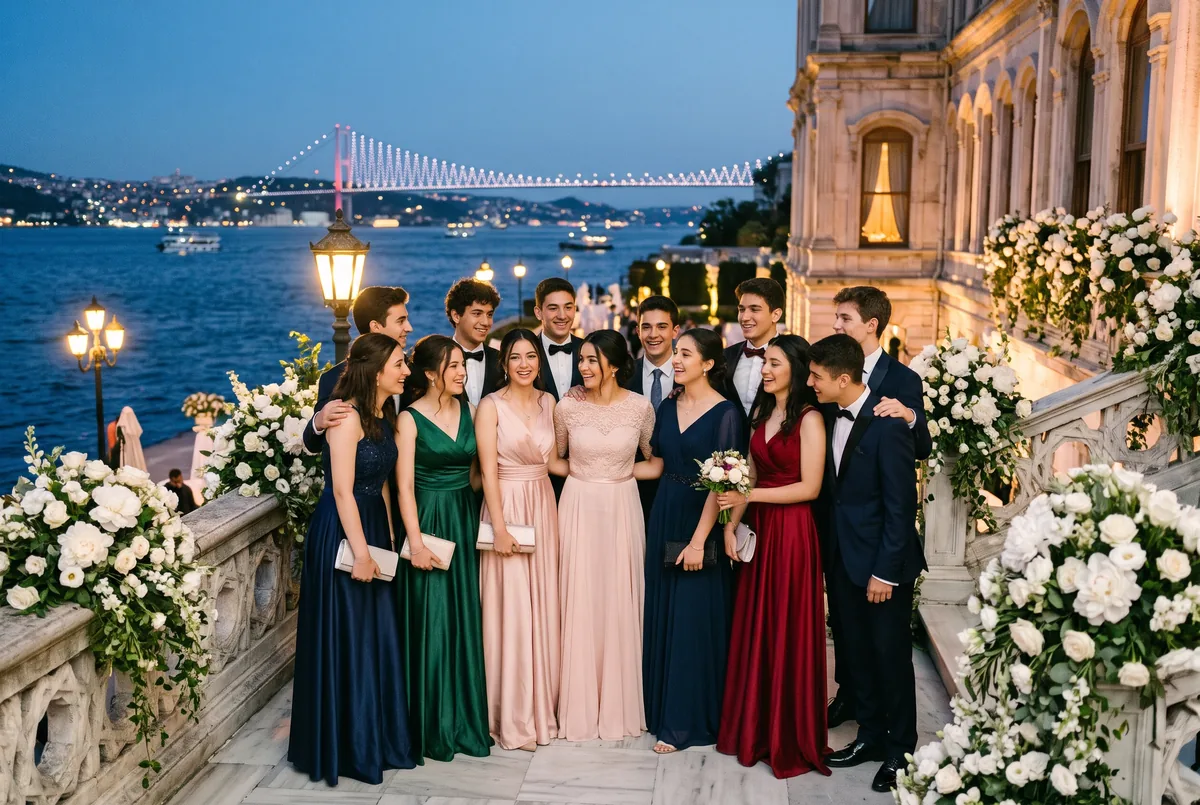
Parents Want the Photos That Night: 2027 Graduation Ball and Prom Trends for Schools
Bosphorus palace hotels, elegant age-appropriate outfits, live music and DJs, 360 video booths, drone shows and nights where every family gets their own photos with one selfie. Here is what 2027 has in store for graduation balls and proms.
Read More